
By Eleftherios Sieittanis · Updated: 3 July 2026
Airbnb Self Check-In Instructions: Keybox Photos
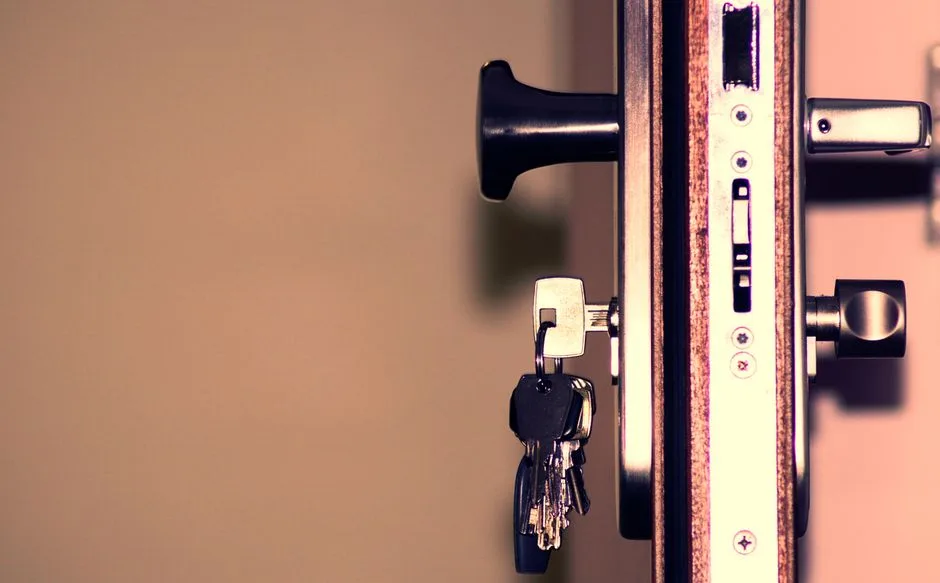
The problem: a guest arrives, can't find the key box, and calls you at 11pm. Great self check-in instructions — clear steps plus photos of exactly where the keys are, sent the day before arrival — fix this before it happens.
Why guests can't find the key box
Key boxes and smart locks are small and often tucked beside a door, behind a column, or inside a lobby. A written address isn't enough — "the lockbox by the entrance" means nothing to someone who has never seen your building. The result is missed arrivals, stressed guests, late-night calls, and the occasional one-star review about "difficult check-in".
What good self check-in instructions include
- The building entrance — a photo of the door from the street.
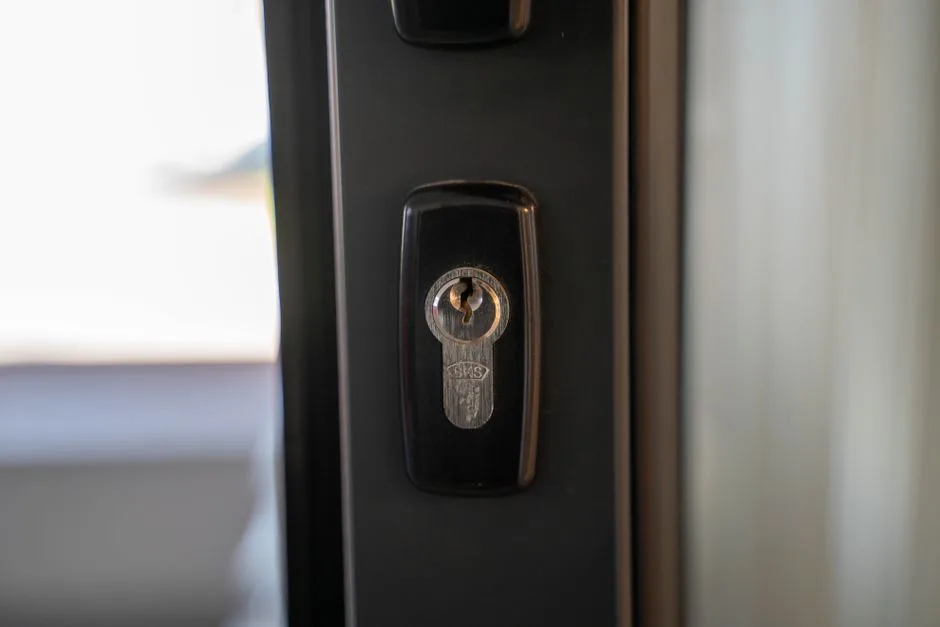
- The key box / smart lock — a close-up photo showing exactly where it is.
- The codes — entrance code and lockbox/smart-lock code, clearly labelled.
- The floor and door — which floor, which apartment.
- The address and check-in date — so everything is in one message.
Photos beat text every time
A single photo of the key box, with an arrow, saves more confusion than three paragraphs. Send the building entrance, the key box location, and the smart-lock keypad — each with a one-line caption. The guest matches the photo to what they see and walks straight in.
Send it the day before — automatically
Timing matters: too early and it's forgotten, too late and the guest is already lost. The day before arrival is the sweet spot. Instead of copy-pasting per guest, the message goes out automatically to every guest arriving the next day.
- Save it once per property. Instructions + up to six photos (entrance, key box, smart lock).
- Bookings sync. Guests and phone numbers come from your channel manager.
- The day before, it sends itself. Each guest gets the message, then the photos.
Use the official WhatsApp Business API
Guests read WhatsApp — open rates beat email. But don't send from your personal phone: bulk messages from a normal number get blocked. The official WhatsApp Business API is approved, reliable, and won't get banned. With GreekStay this guest check-in messaging is included free — see the automatic WhatsApp messages feature.
One less thing to manage
Automatic check-in messages mean fewer calls, calmer guests, and better reviews — while you focus on the rest. The same system that prepares your AADE declarations handles guest messaging, so your bookings do double duty.
Automate your declarations
GreekStay Manager connects to Airbnb, Booking & your channel manager and auto-prepares your AADE & TAKK filings — correct amounts, on time.
Frequently asked questions
- When should I send check-in instructions?
- The day before arrival. Too early and they get forgotten; too late and the guest is already lost. The day before is the sweet spot — and if it sends automatically, you never forget it.
- What should self check-in instructions include?
- A photo of the building entrance, a close-up of the key box / smart lock, the entrance code and lockbox code, the floor and apartment, plus the address and check-in date — all in one message.
- Can check-in messages be sent automatically?
- Yes. With GreekStay you save them once per property (instructions + up to 6 photos), and the day before arrival they send automatically to every guest over the official WhatsApp Business — free.
- Is it safe to message guests on WhatsApp?
- Yes, through the official WhatsApp Business API — Meta-approved, no risk of being blocked. Not from a personal number, where bulk messages get blocked.
- What if a guest still cannot find the key box?
- Photos with an arrow plus the codes solve almost every case. If needed, the guest can simply reply to the same WhatsApp message.
Informational content, not tax advice. Confirm current amounts/deadlines with AADE or an accountant.